Valrhona - event management across three teams
The same event had a different name in every conversation
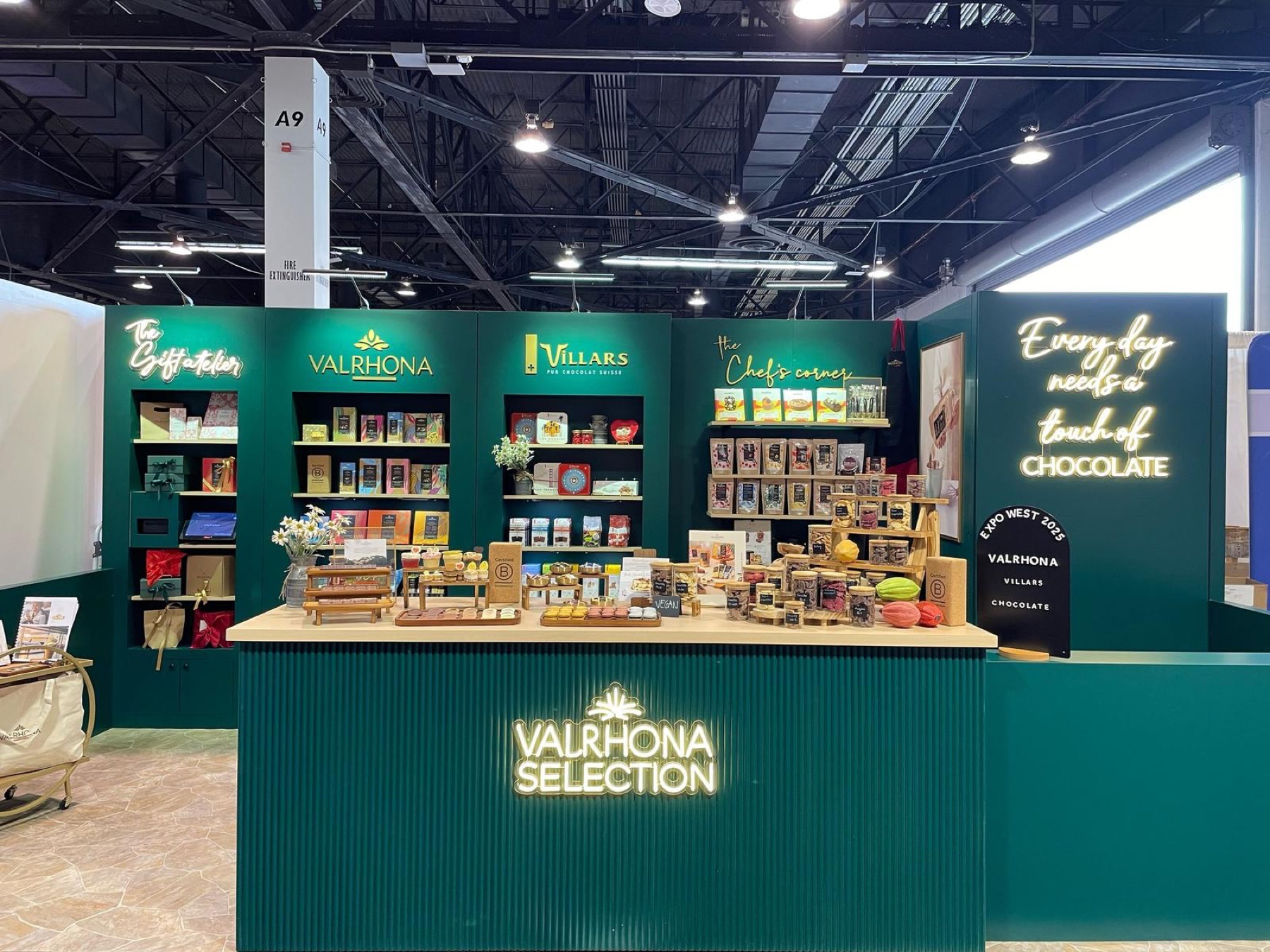
I didn't know what a B2B chocolate company did all day when I joined as Events Manager. But I could see how events got planned. Requests and materials came by email, phone, WhatsApp and Teams. People kept their own trackers and spreadsheets, often in different versions, and understood an event's details differently.
With no shared record, the same work got done two, three, even four times, and we couldn't always be sure we were talking about the same event. Over 100 events a year ran this way.
Dates clashed, details went missing, and some events were simply lost.
Learn the work first
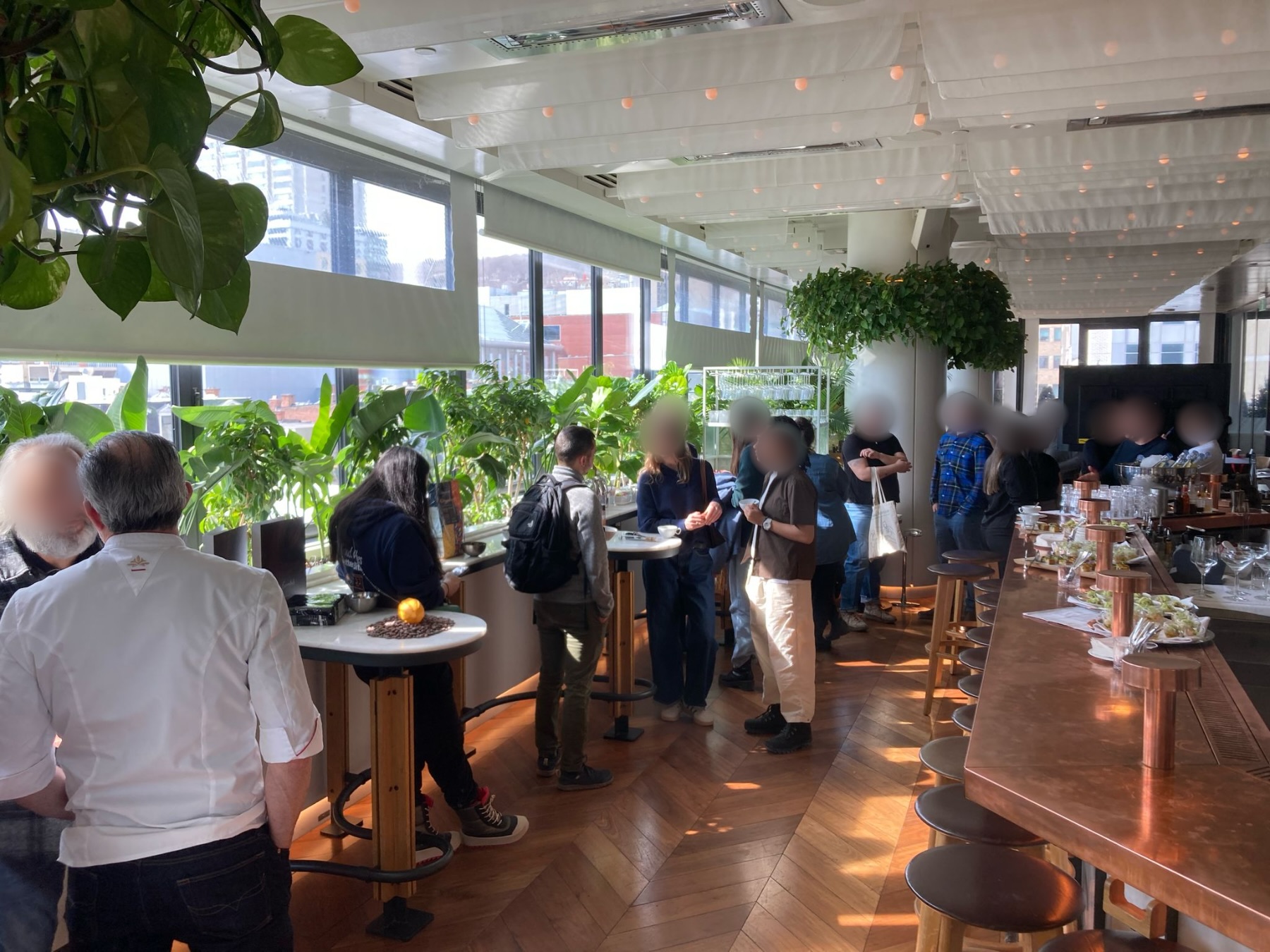
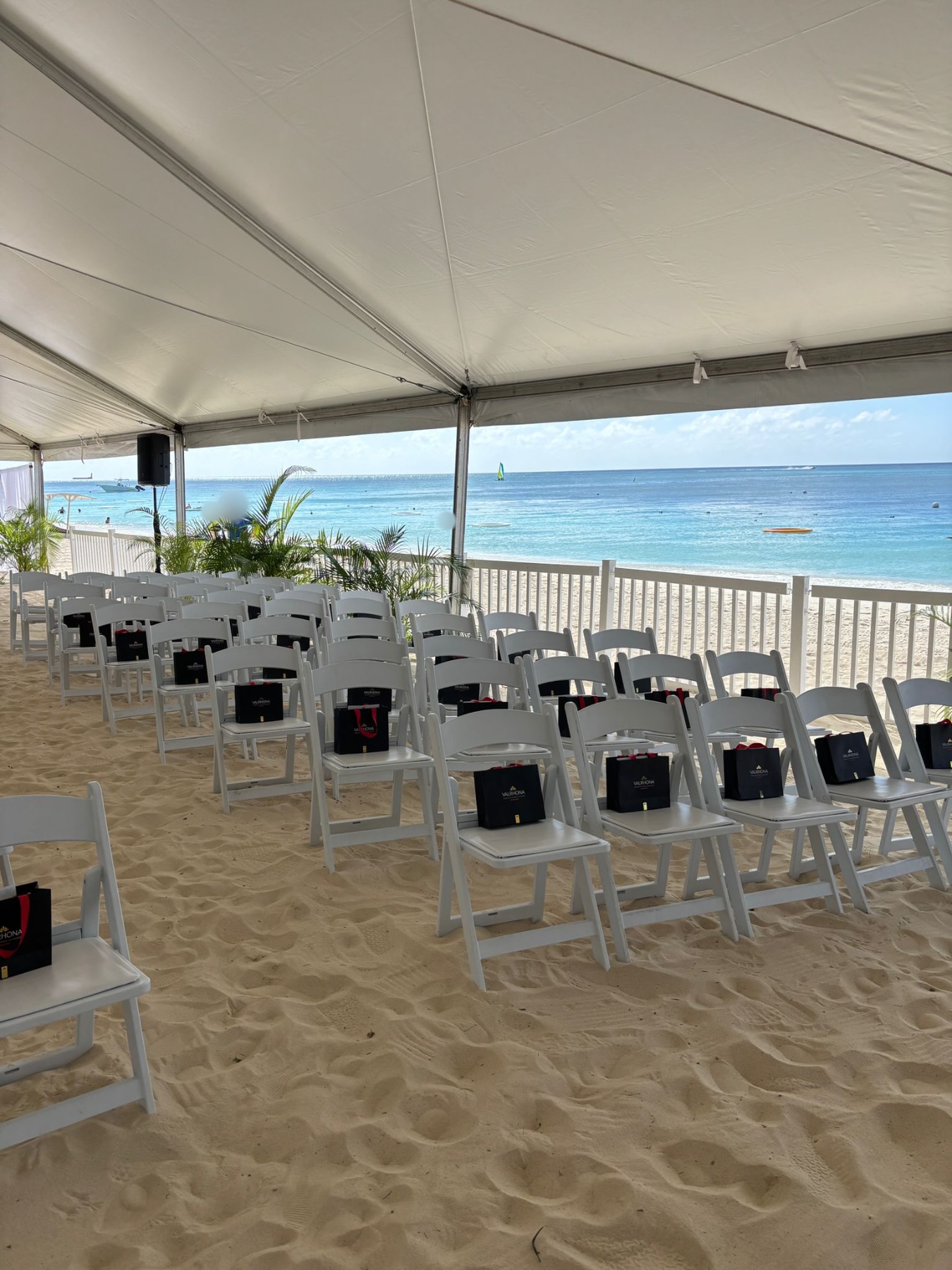
I spent my first three months travelling with sales reps, running events with them and seeing their work. Then I took over event planning and ran it the old way, to learn where it broke. In April, I started looking for a system.
On Teams calls, reps were usually in the car, so the event system had to work on an iPad, not just a laptop.
The vendor’s mobile app couldn’t handle the full workflow, so the company rolled out the web portal instead, which works on an iPad. The three heaviest users (me, our chef and the school’s manager) worked in the desktop version.
One event, one record
Before choosing a system, I wrote a general version of the event SOP, along with the workflow, a spec sheet and budget ranges. Every event got its own ID for the first time. After launch, I updated the SOP as real use changed how we worked.
From kickoff to live
I designed the system, and a vendor built it to my spec. I handled coordination, training and ongoing maintenance.
Kickoff to contract
Apr - Dec 2024
Sat through vendor demos and sales meetings, gathered quotes, presented the proposal to leadership, won buy-in and final approval, negotiated with the vendor and signed the contract.
Contract signed
Build
Jan - Aug 2025
Designed the system: request flow, statuses, required fields, chef calendars. The vendor built to my spec.
Pilot
Aug 2025
A one-month pilot with a first group of users, with training.
Pilot starts
Live and improving
Sep 2025 - Mar 2026
Launched to about 32 people, with training: 7 in marketing, 20 in sales and 5 chefs. Kept changing it from user feedback.
Company-wide launch
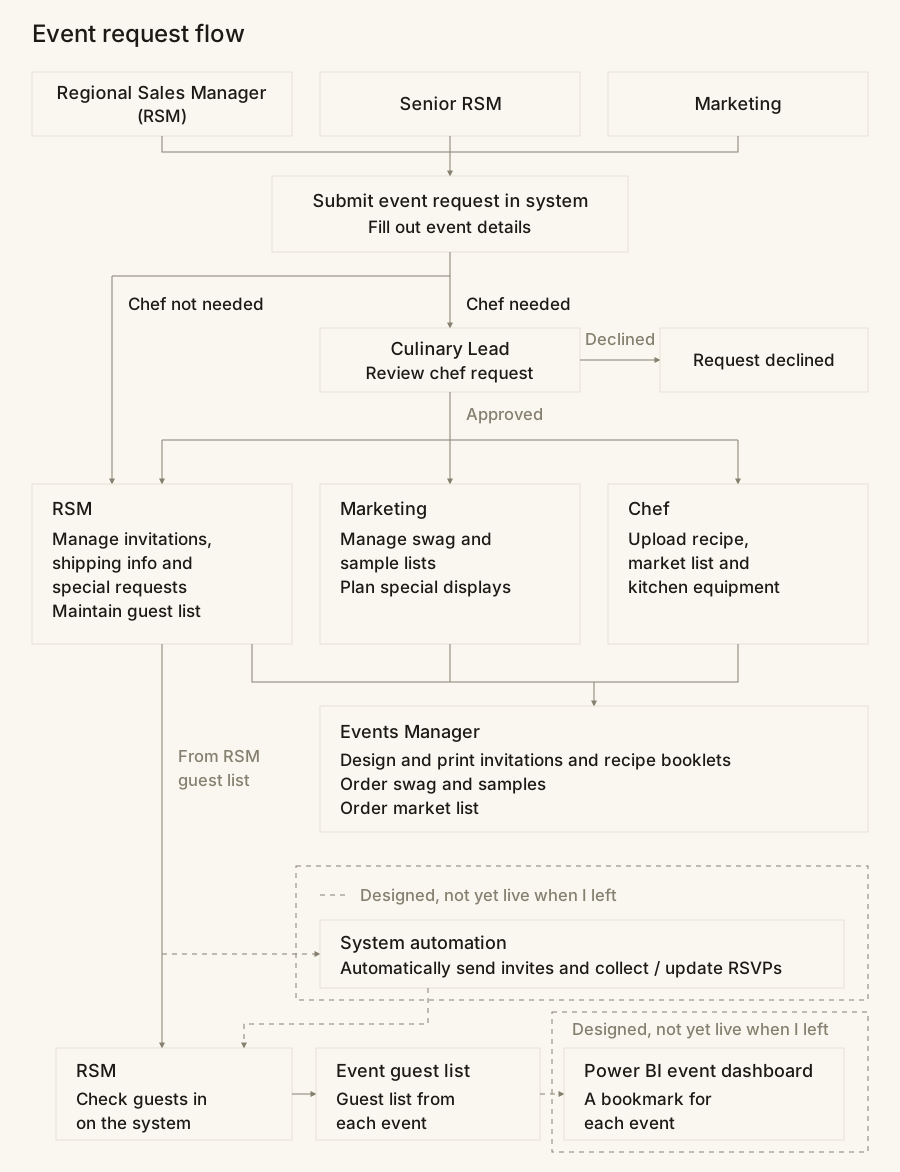
How a request moves
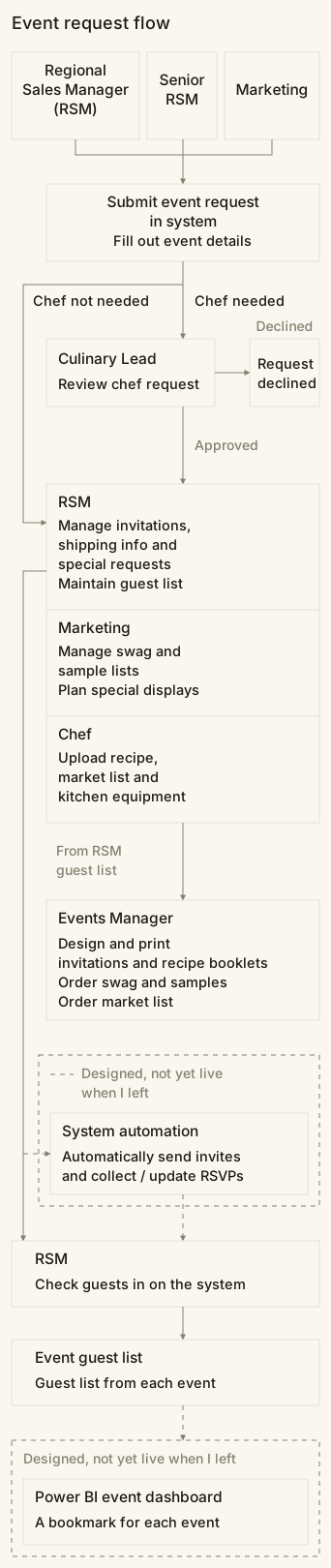
After launch
Users said they could not tell which requests were urgent, so I split the Requested status by priority (for example, Requested-Medium).
What changed
After launch, every new event went through the system. The event card became where the conversation happened, and people knew where to upload, what to update and what to review. Date clashes and unreported events dropped noticeably, and users started asking for new features.
Requests
4 or more channels
1 request form, with a priority level and required details
Where information lived
Everyone's own files
1 platform
What an event was called
Depended on who you asked
1 event ID
Approval
No approval step, so dates clashed
Directors decide from complete, consistent requests
Information
Missing, duplicated, out of date
Fixed format, so nothing is left blank
AUTOMATICChef calendars
Re-entered by hand
Synced with every event
AUTOMATICGuest lists
Paper, Excel, or never reported
Built and checked in on the system
Designed, not yet live when I left: automatic invitations and RSVPs, and a Power BI event dashboard.
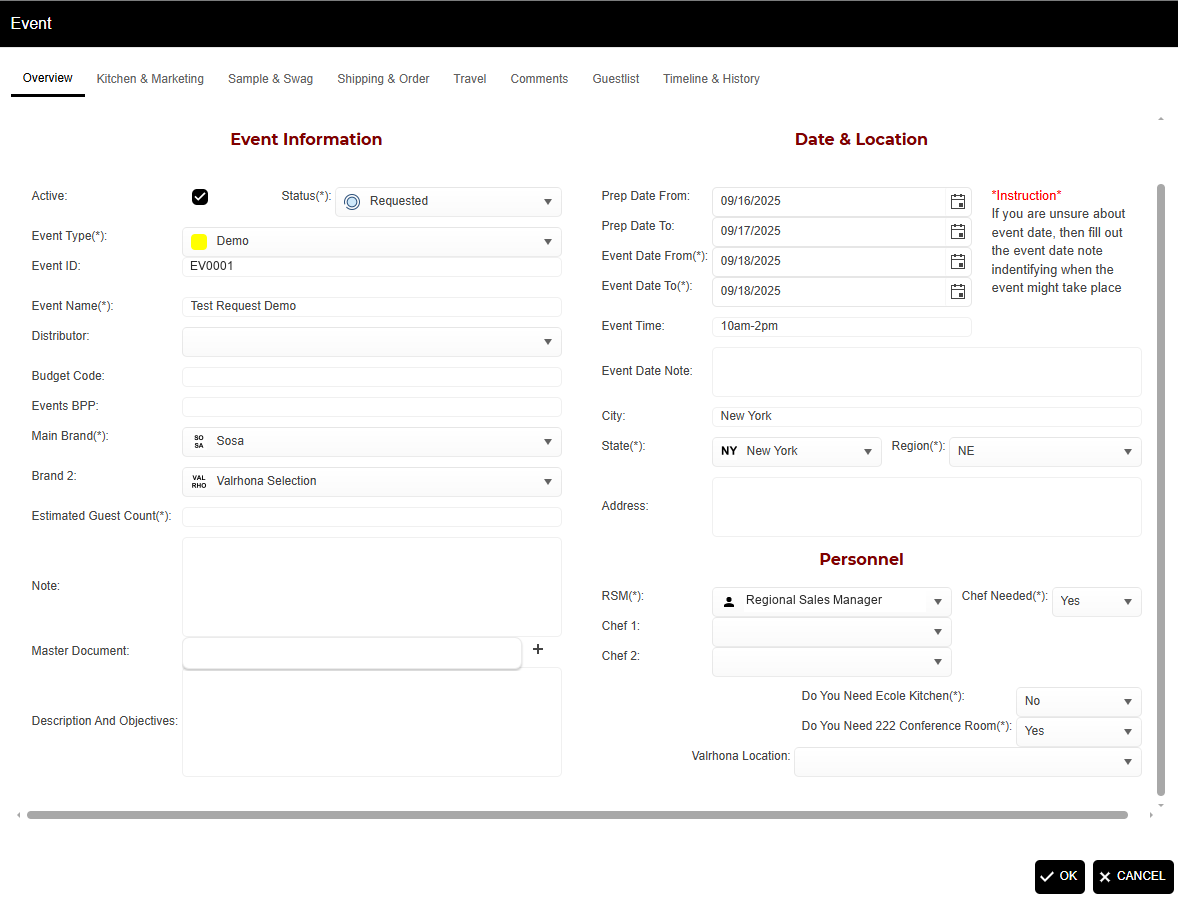
Inside the system
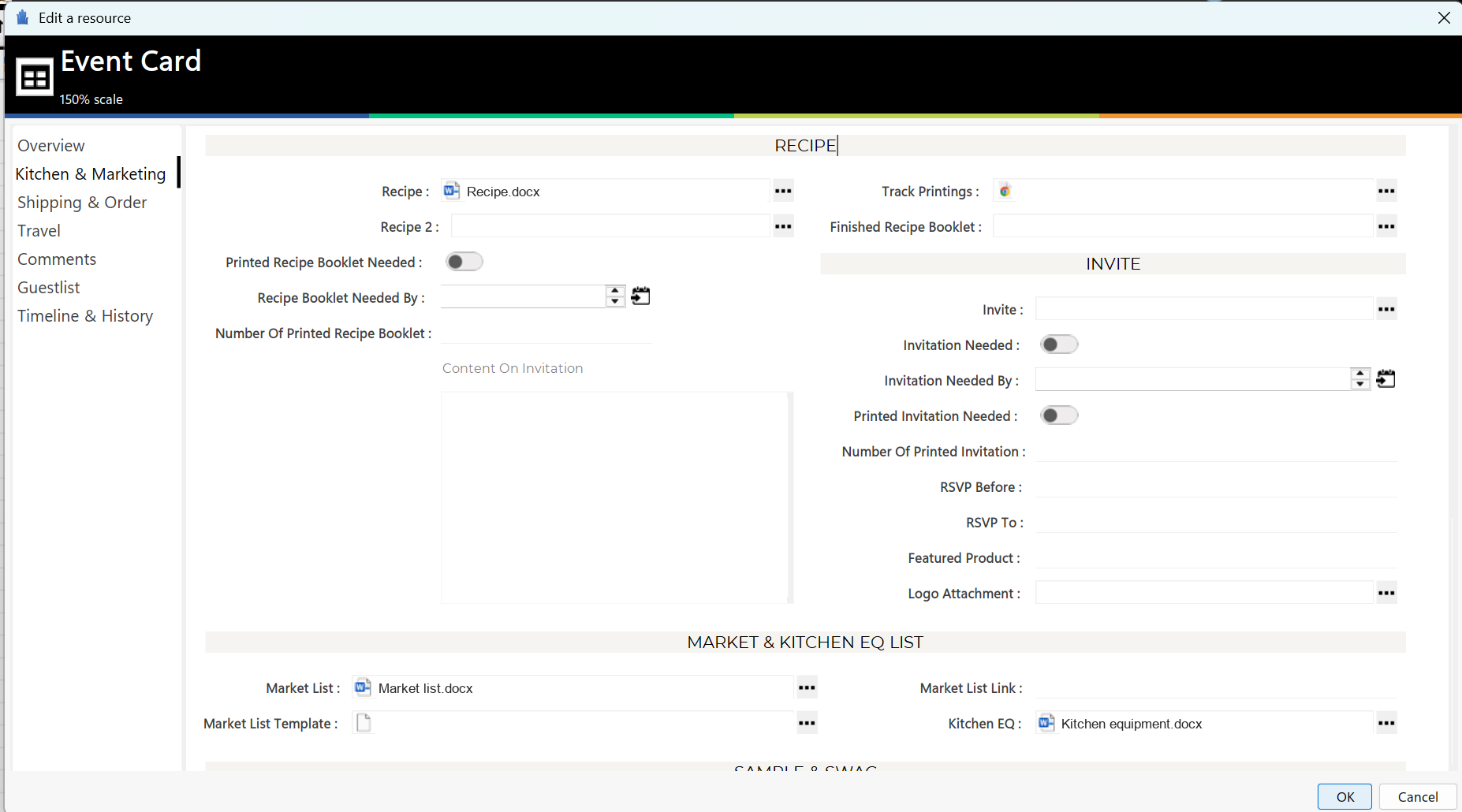
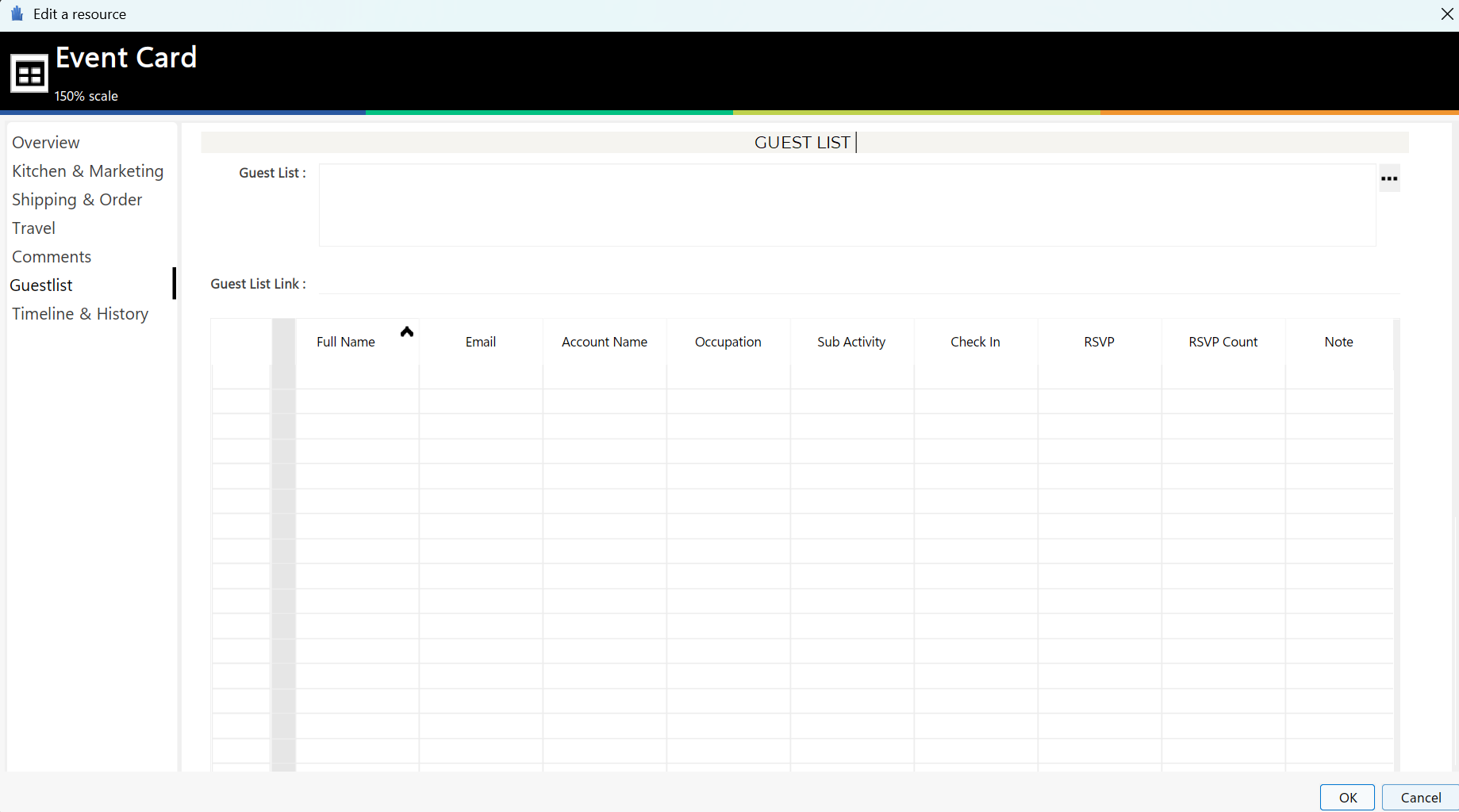
About 130 events in 2024, tracked in Excel. About 190 in 2025.
Measuring event ROI
I ran North America B2B field marketing on a $300K annual budget, about 190 events in 2025. Leadership needed to see what those events did for pipeline, and where to put the next dollar.
So I designed an event measurement framework on Salesforce and Power BI for Sales and Marketing leadership.
- Event system
Guest lists and check-ins.
- Salesforce
Events linked to pipeline.
- Power BI
Event dashboard.
- Leadership
Pipeline impact and field marketing investment.
Solid: live. Dashed: designed, not yet live when I left.